Clear next steps
Offers, services, and calls to action that make it easy to move forward.
Development Optimization
Browse website directions for service businesses, retail, health, property, and more. Each one shows how a clear offer, real conversion path, and connected workflow can become a working site.
Preview imagery, names, copy, people, and reviews are demonstration content. A card marked Live demo opens a working example; the rest are visual directions ready to adapt.
Offers, services, and calls to action that make it easy to move forward.
Forms, booking, CRM, automation, and follow-up planned as part of the build.
Structure that helps people, search engines, and AI systems interpret the business.
Website directions and working examples
Live examples appear first. Concept directions are useful for choosing the visual language, user journey, and conversion path before a custom build begins.
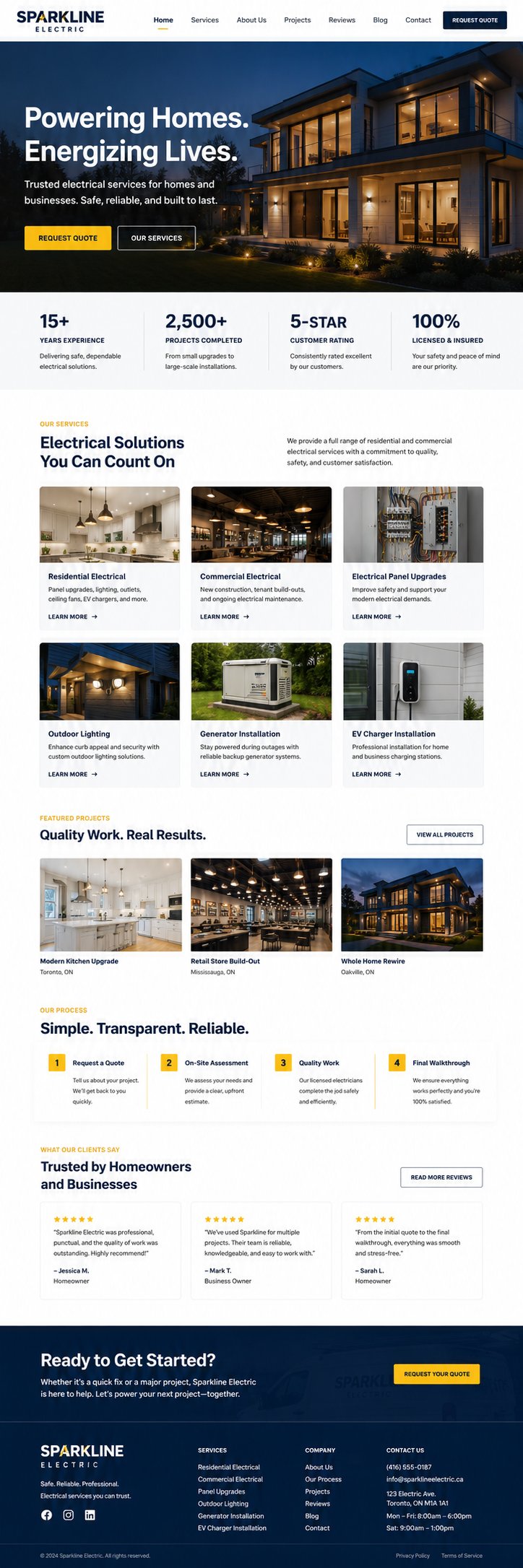
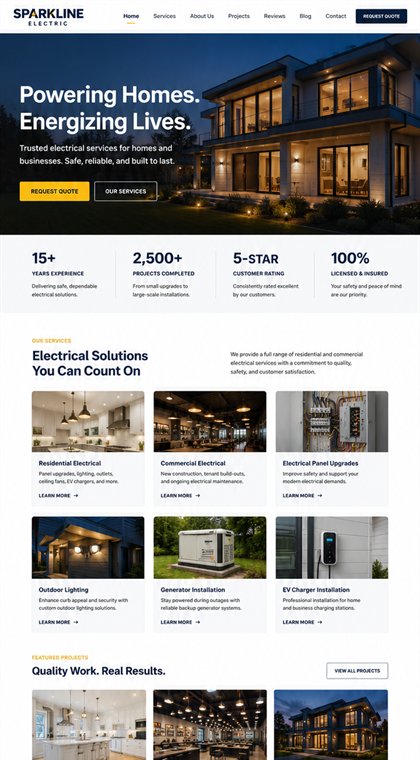
Emergency calls, service coverage, and quote requests organized around a clear first action.
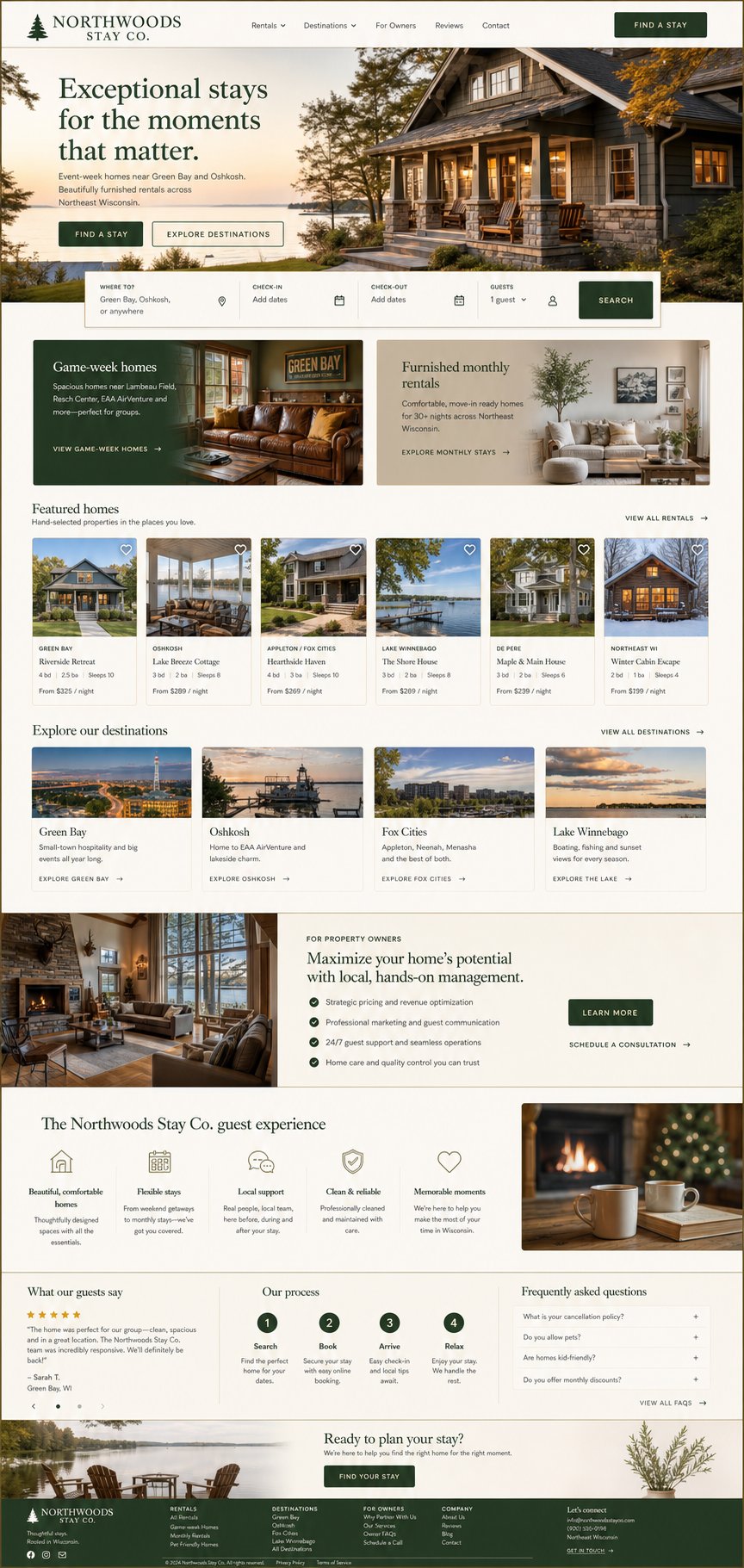
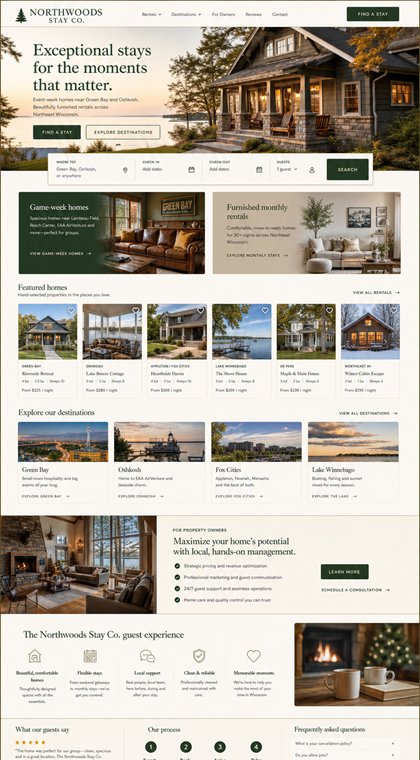
Property stories, available stays, guest inquiries, and owner conversion in one focused flow.
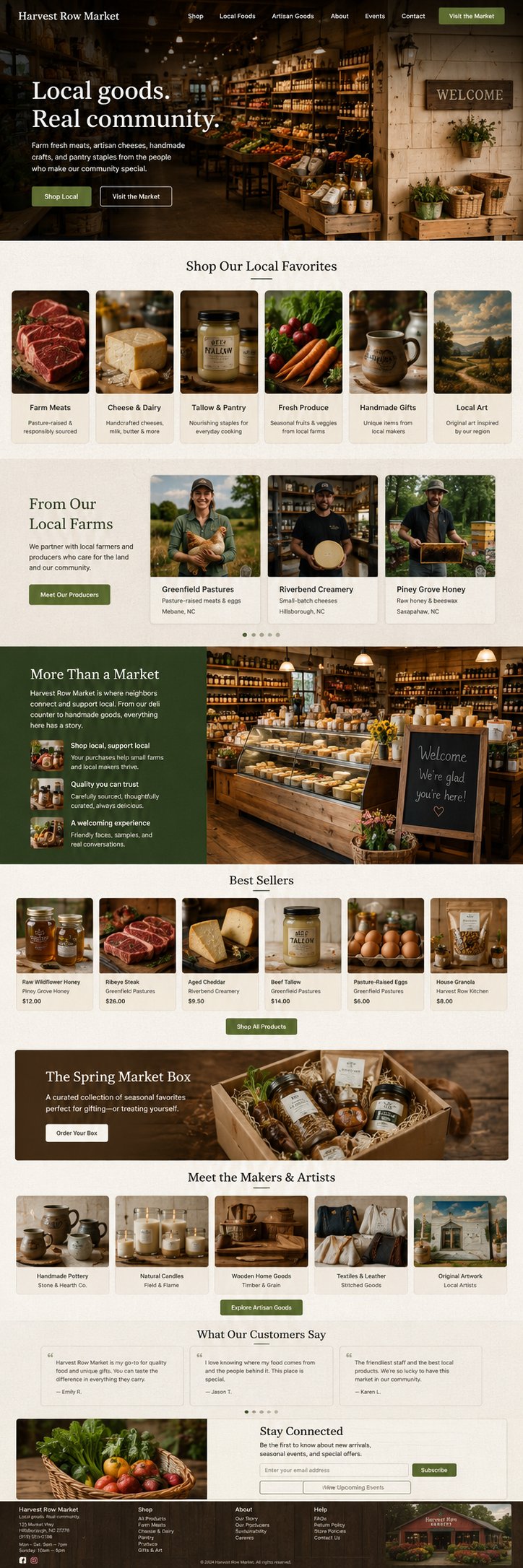
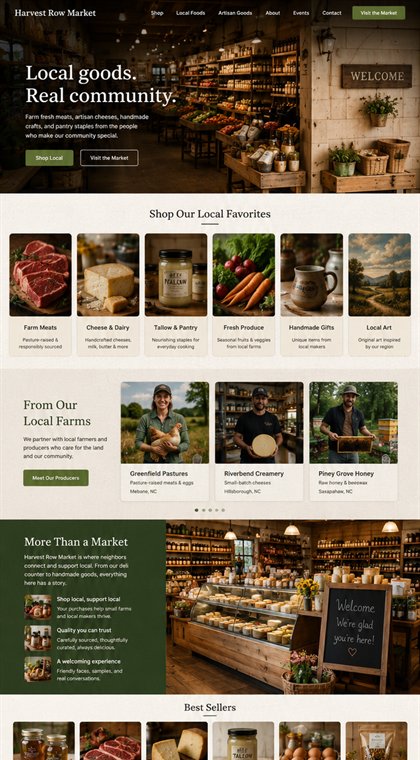
Seasonal products, store trust, pickup paths, and community relevance for a local retail business.
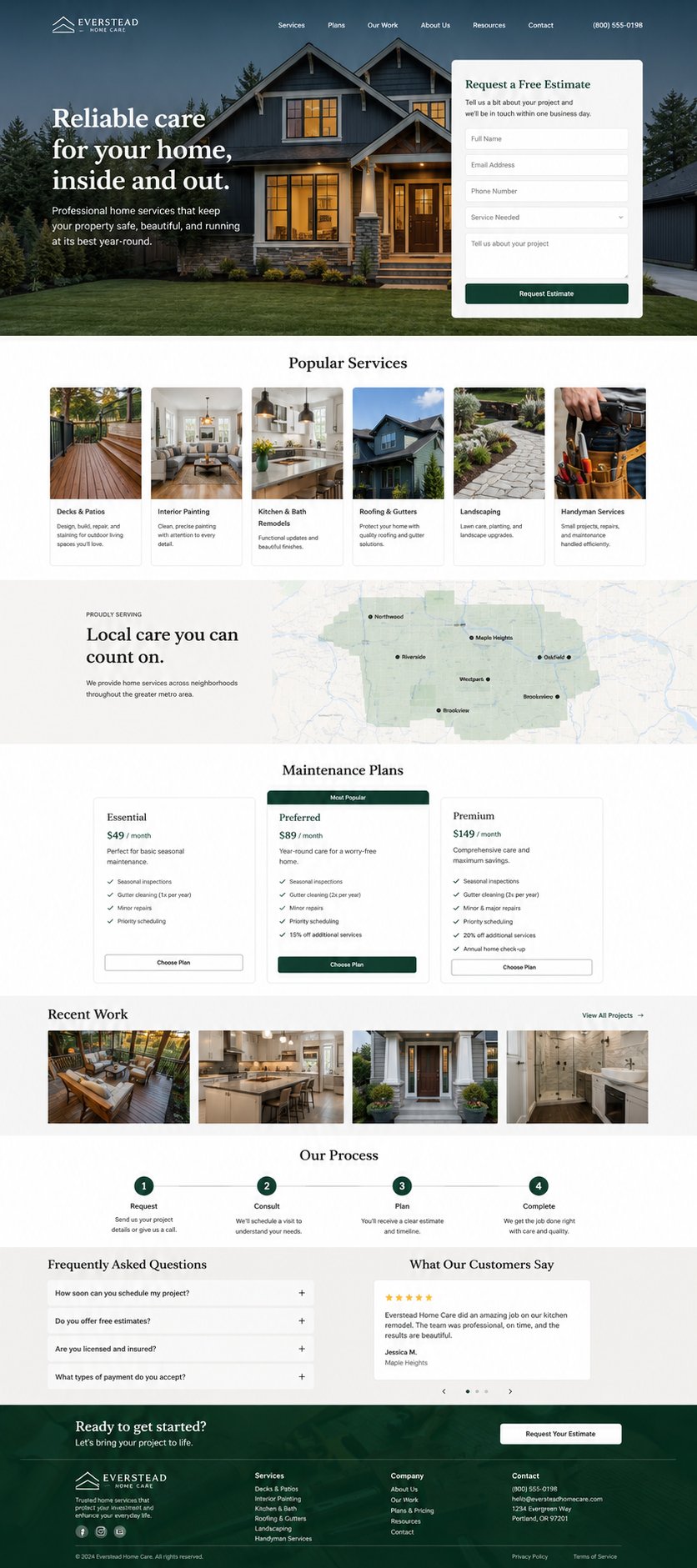
Project proof, service planning, and a practical estimate request for higher-consideration work.
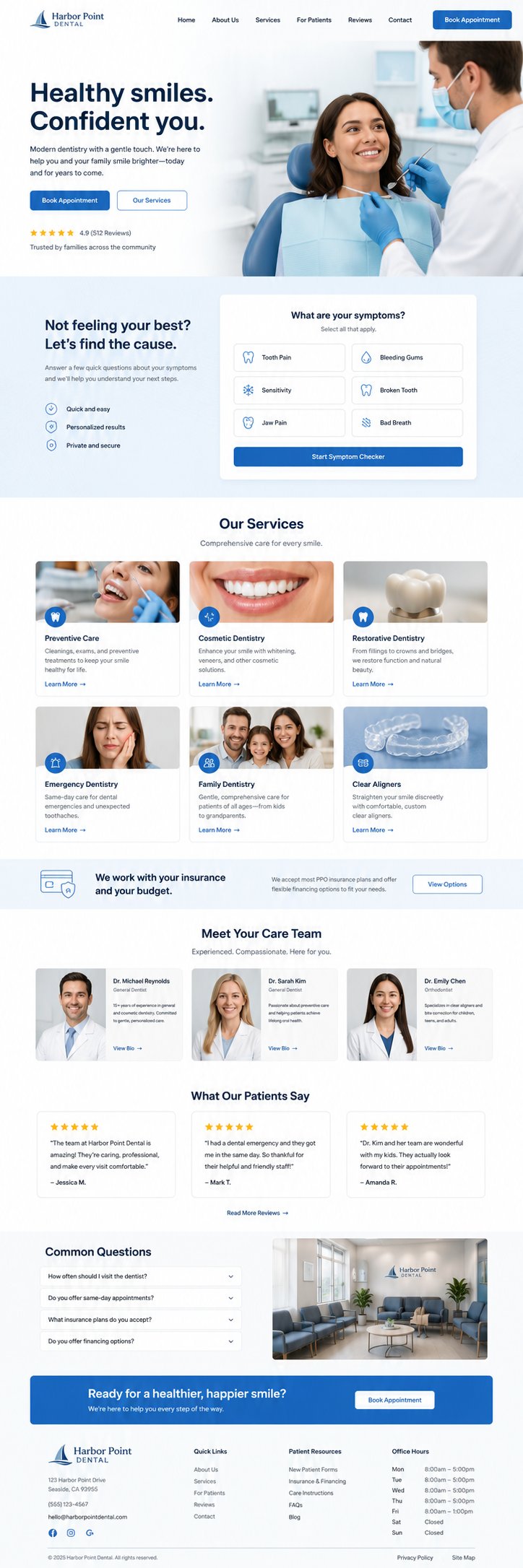
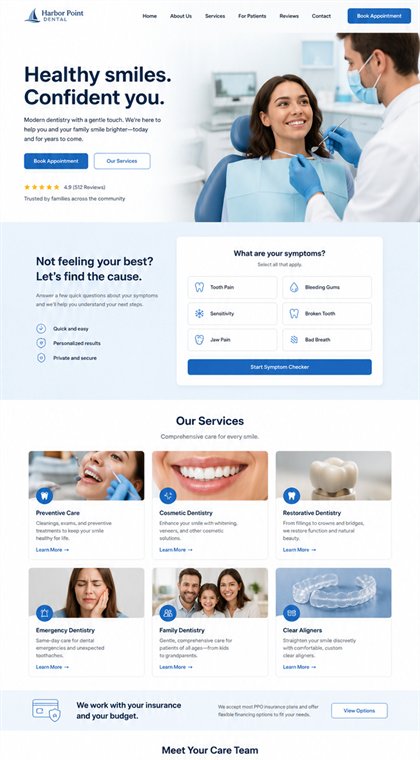
Appointment booking, patient confidence, service education, and a modern first impression.
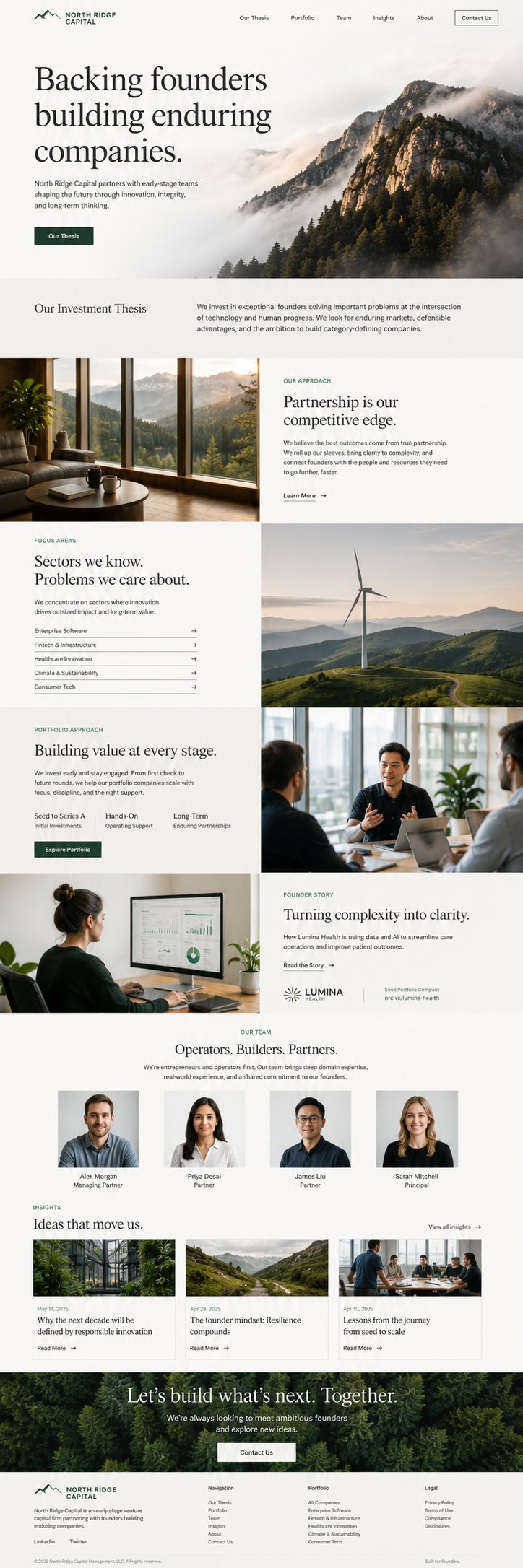
Thesis, portfolio proof, founder messaging, and an intentional inbound conversation path.
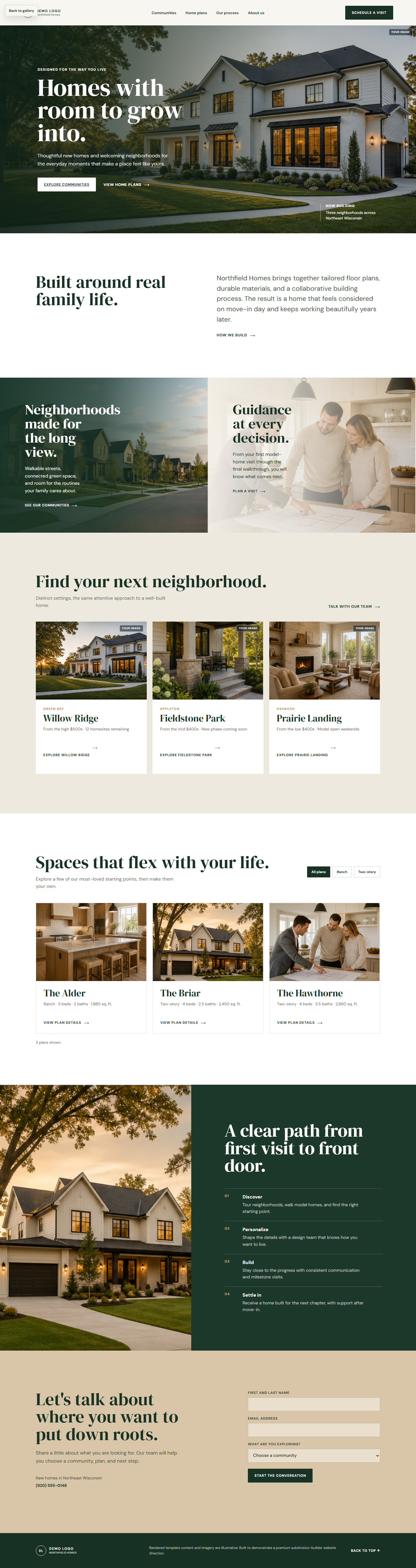

Neighborhood storytelling, home-plan browsing, and schedule-a-visit conversion for residential builders.
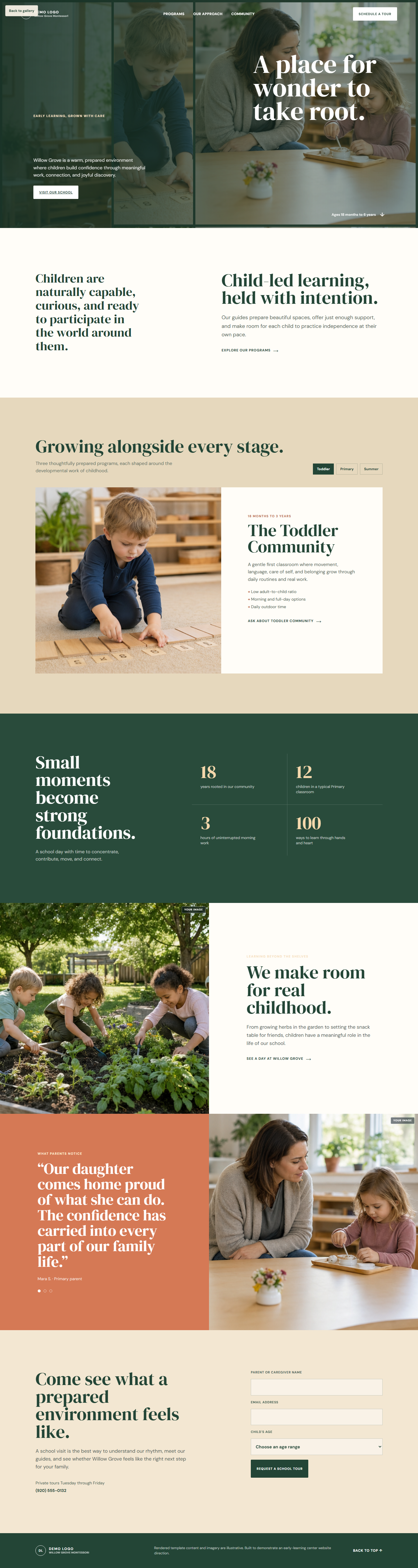

Program discovery, parent confidence, school philosophy, and a practical tour-request path.
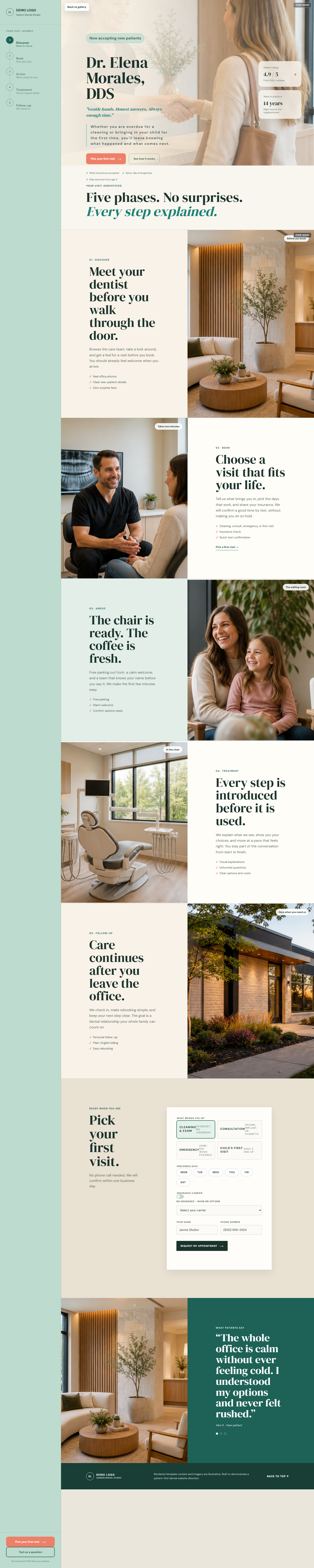

A guided patient experience that explains the first visit, reduces friction, and drives booking intent.
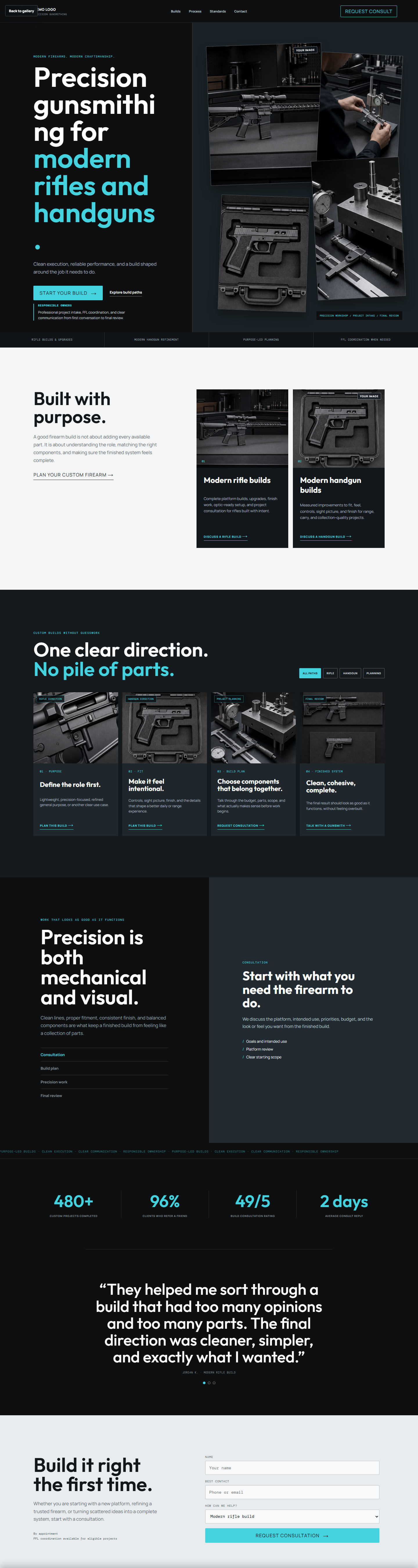

Build paths, responsible project intake, proof of standards, and a direct consultation request flow.
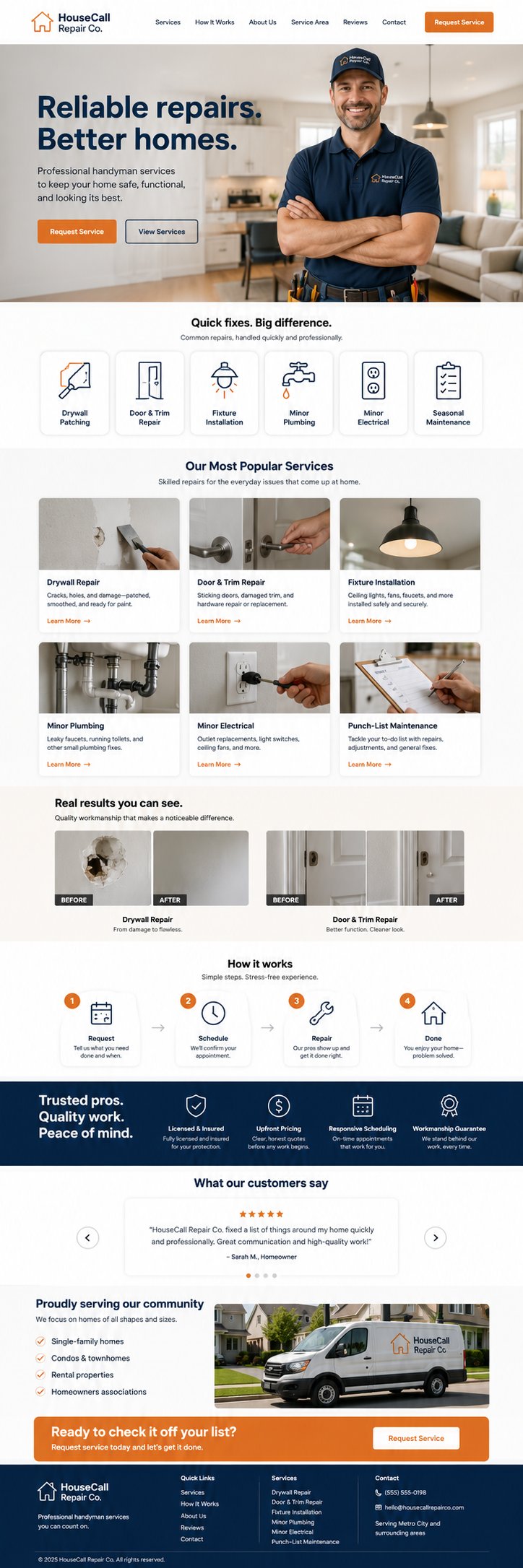
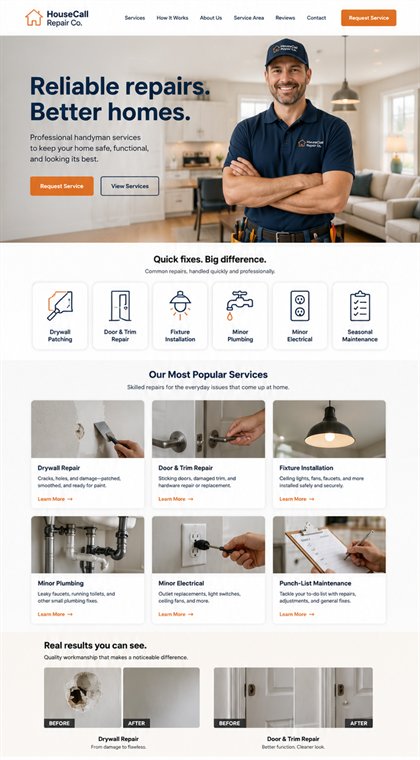
Services, before-and-after proof, and estimate capture for a contractor with visual work to show.
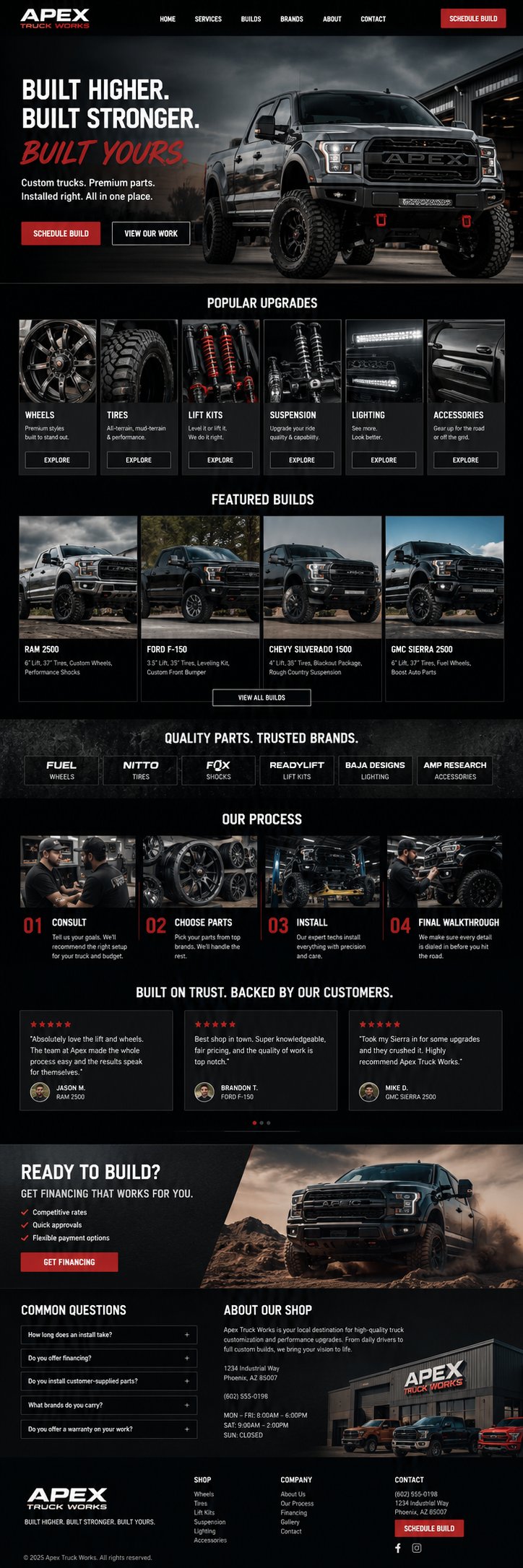
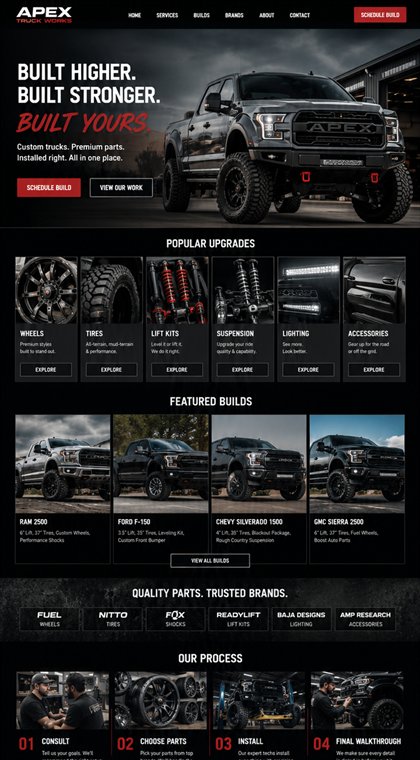
Product categories, account buyers, and a quote path for a practical B2B commerce experience.
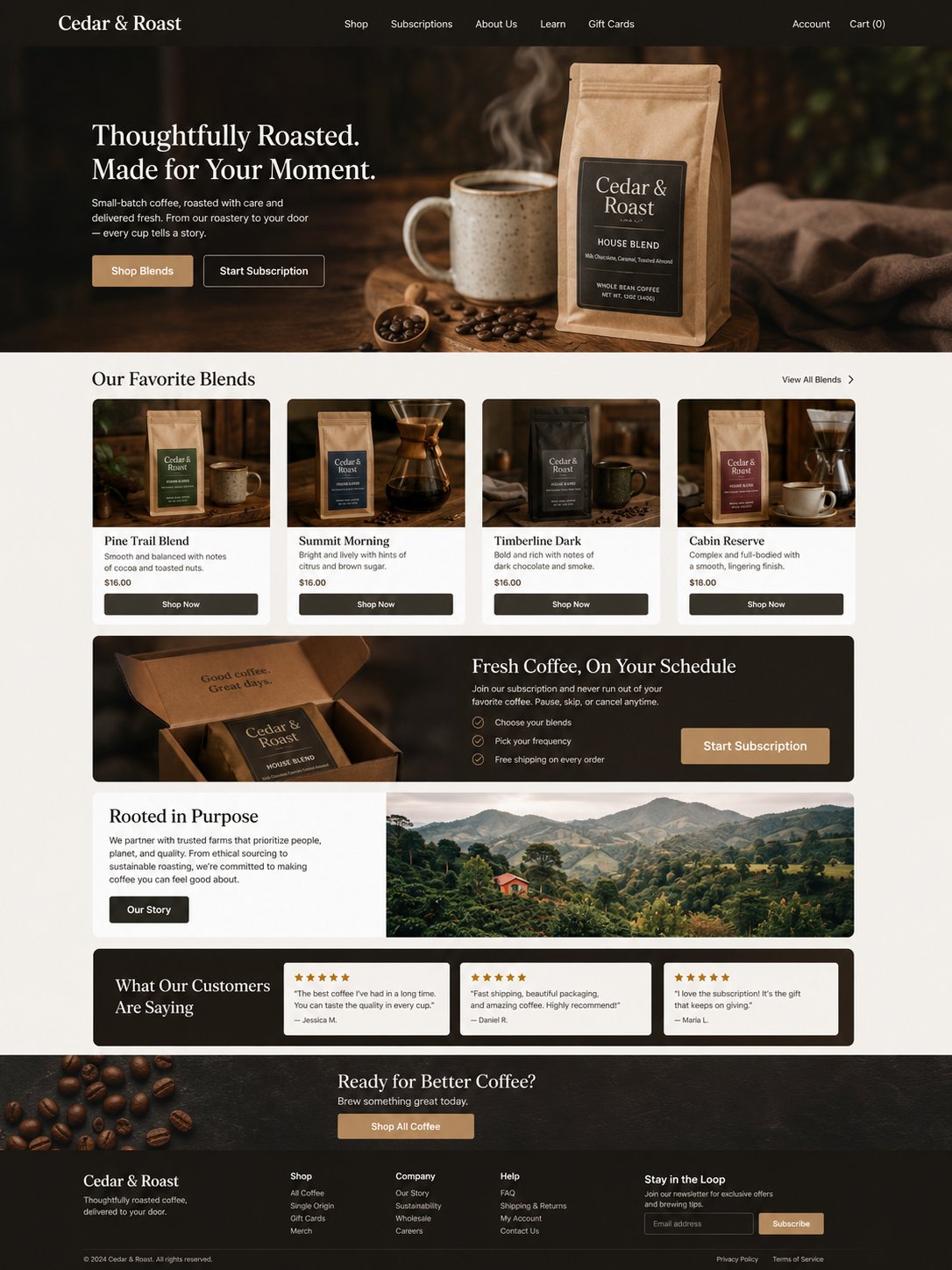
Product drops, subscriptions, story, and online ordering in a warm retail experience.
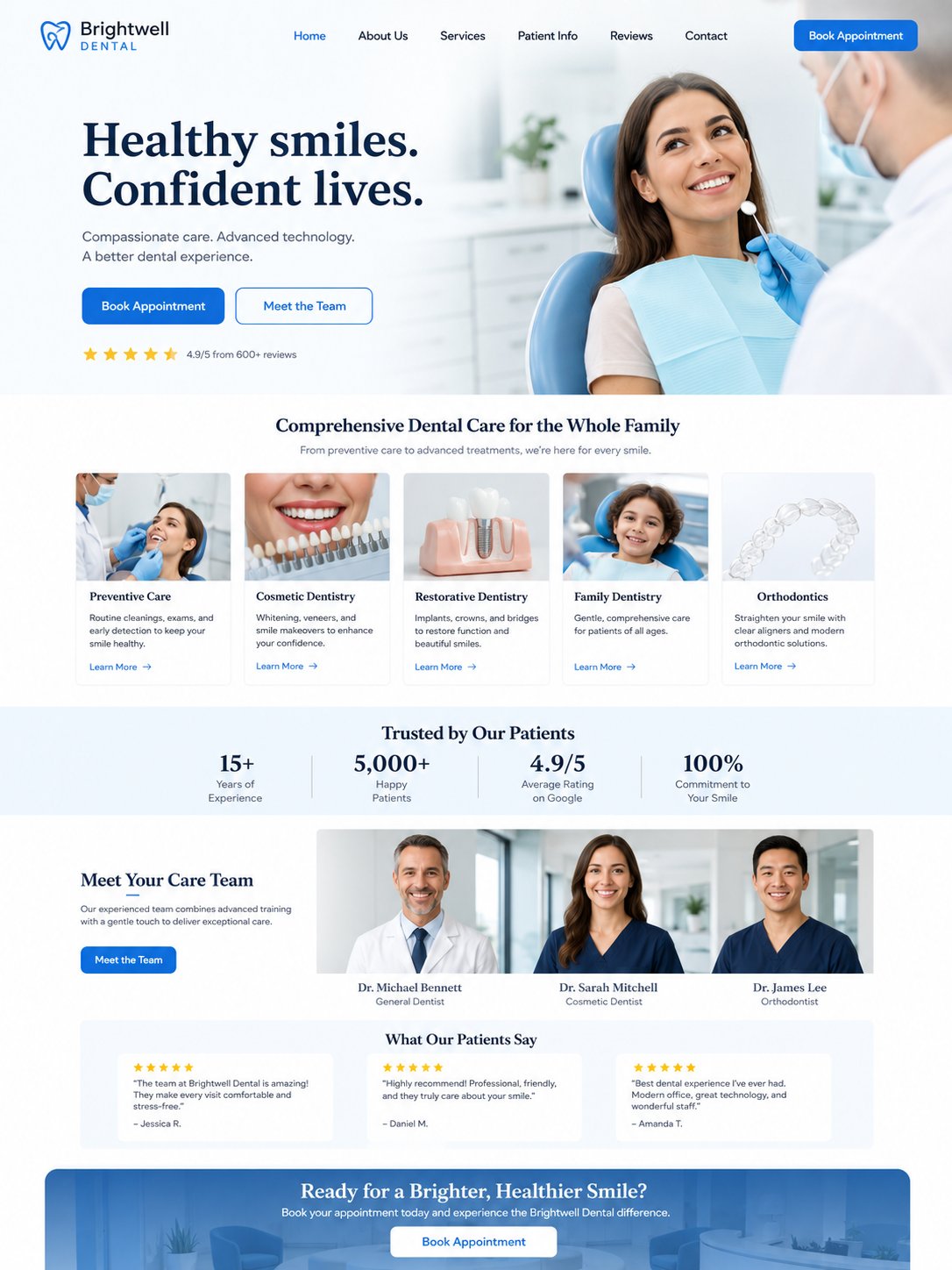
A polished first impression for practices that need clear services, trust, and appointment intent.
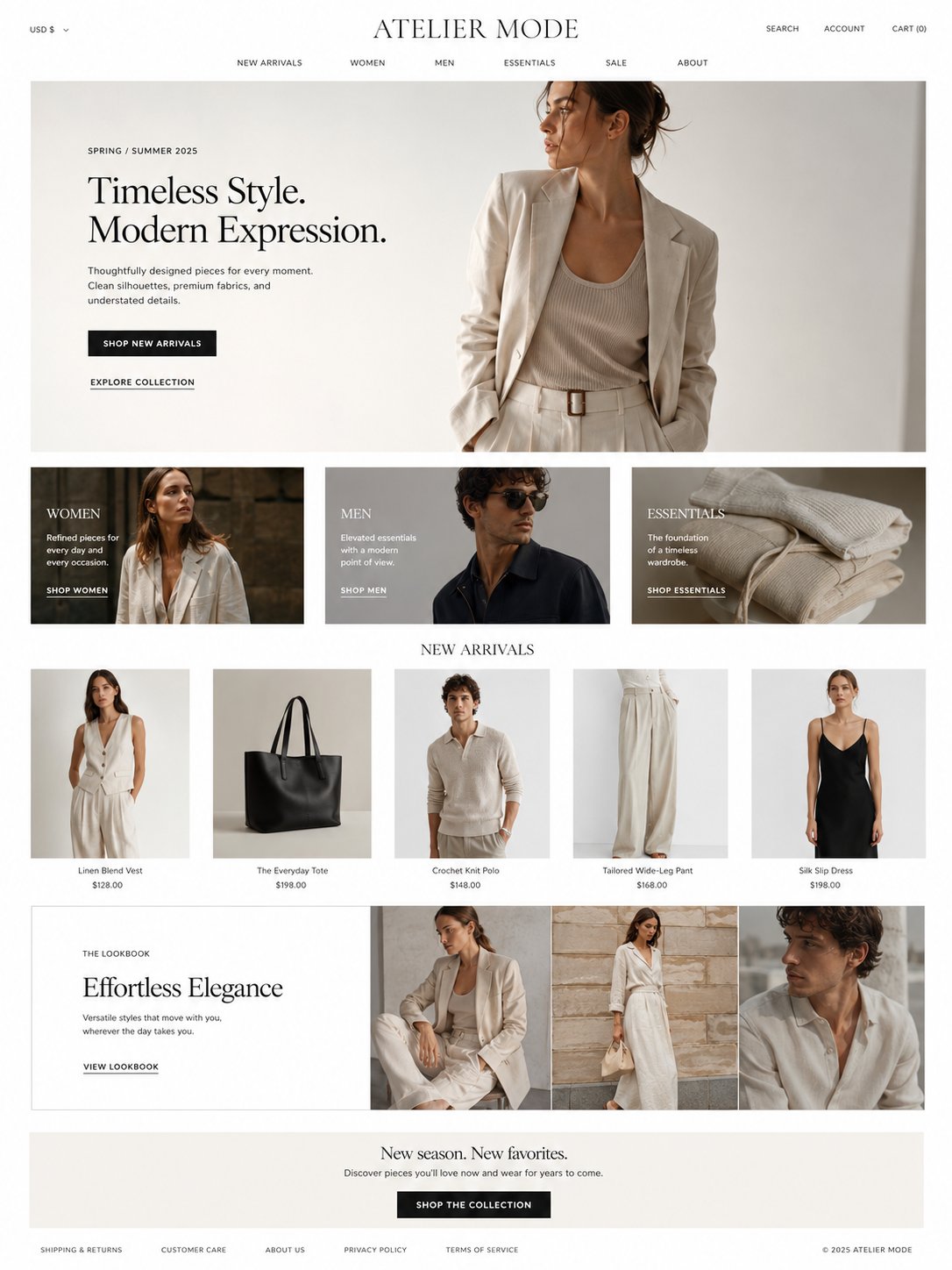
Collections, editorial imagery, and product discovery for a design-forward retail brand.
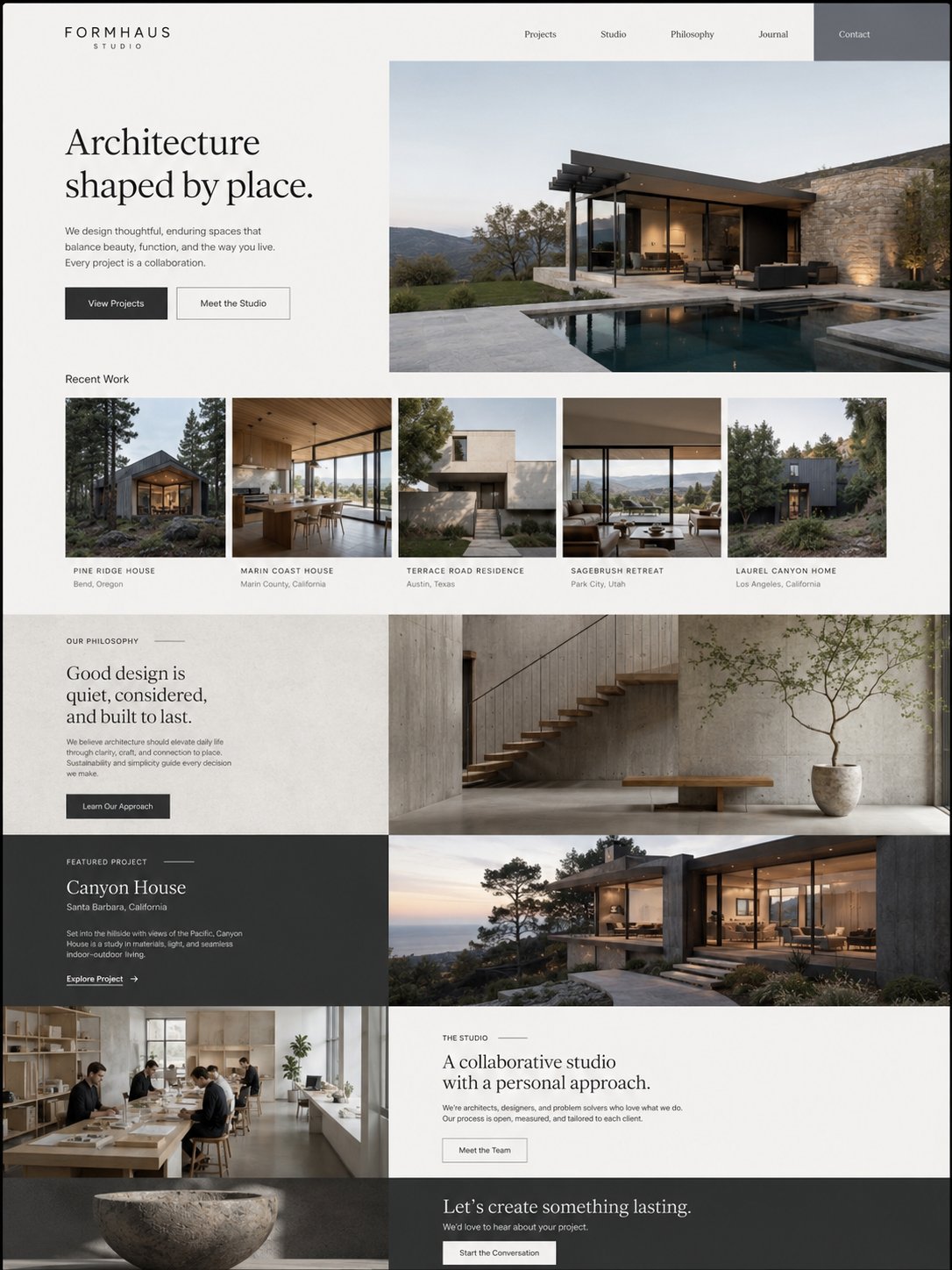
Project portfolios, design philosophy, and consultation requests for a visual practice.
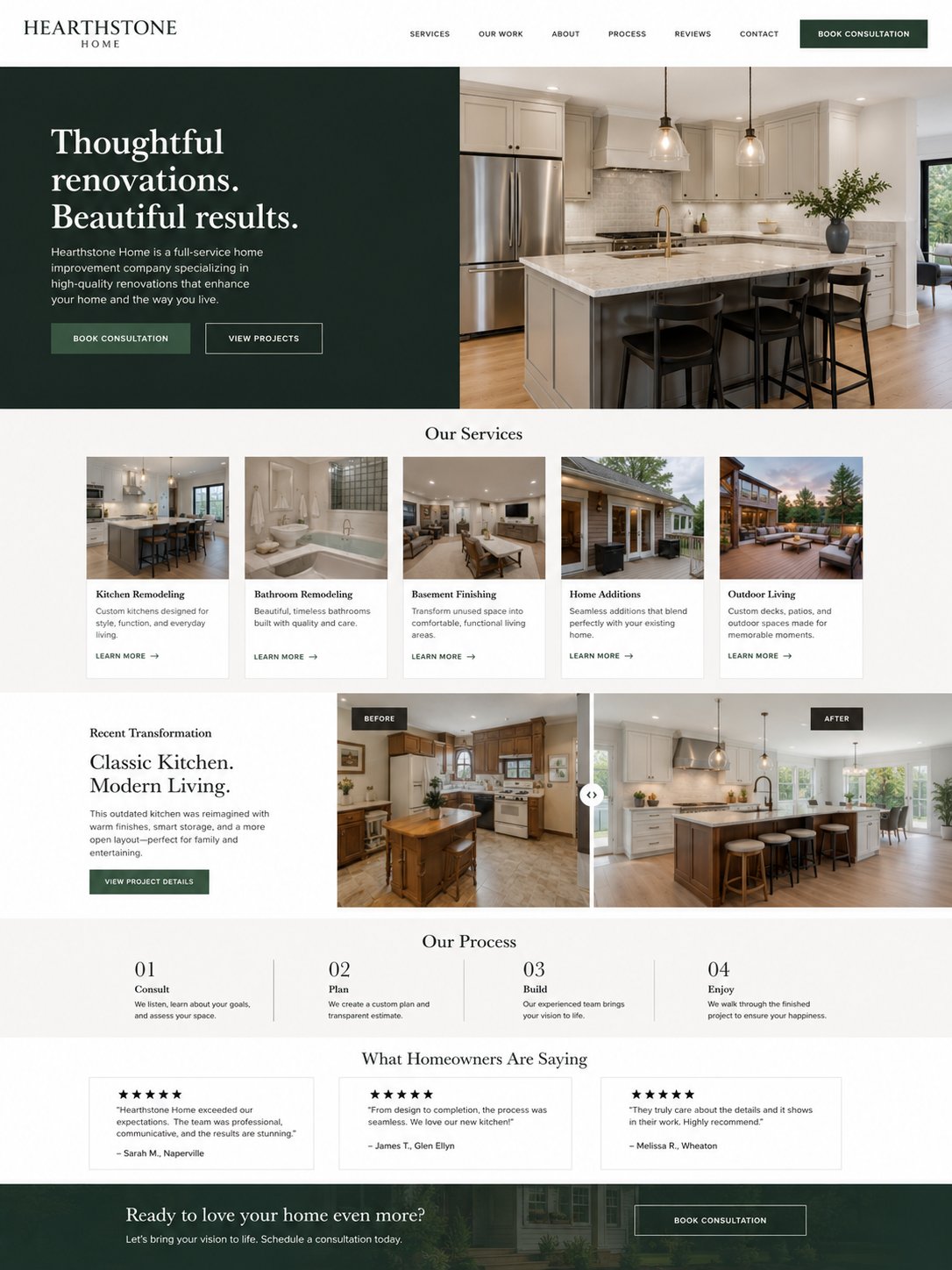
A compact service-business direction built for credibility, coverage, and estimate conversion.
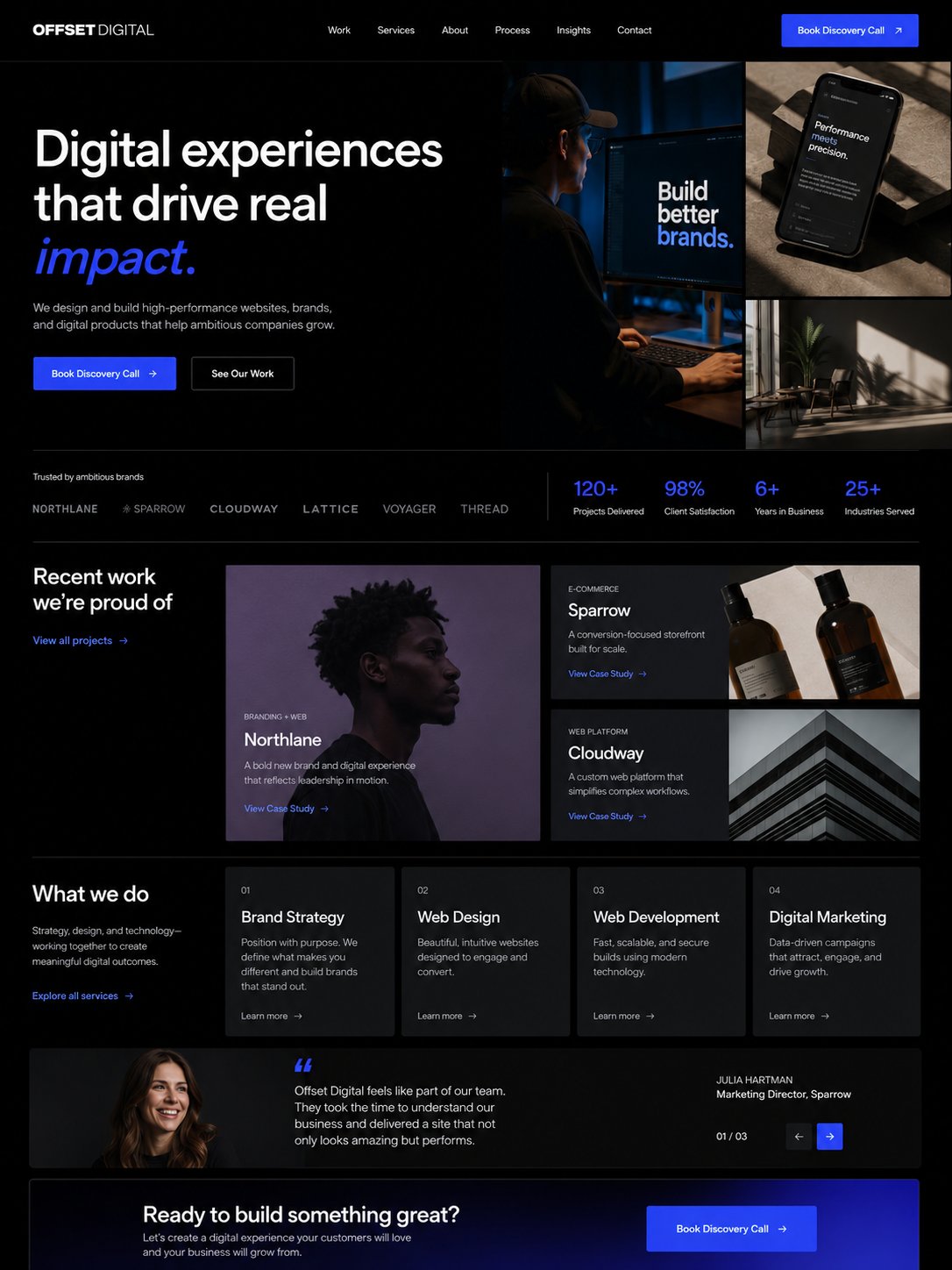
Featured drops, social proof, and audience conversion for a personal brand with products.
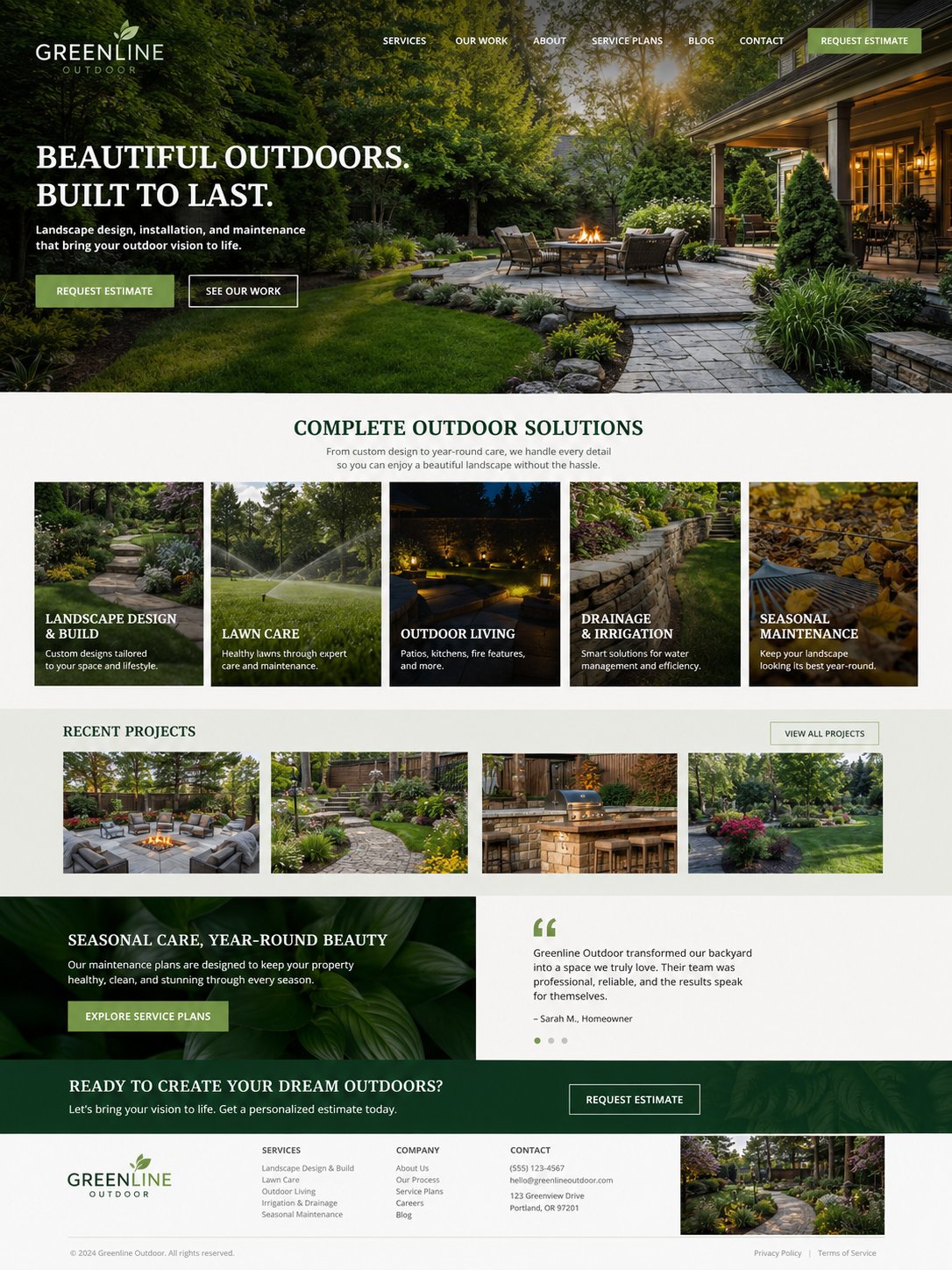
Seasonal offers, service areas, visual proof, and a quote request path for local work.
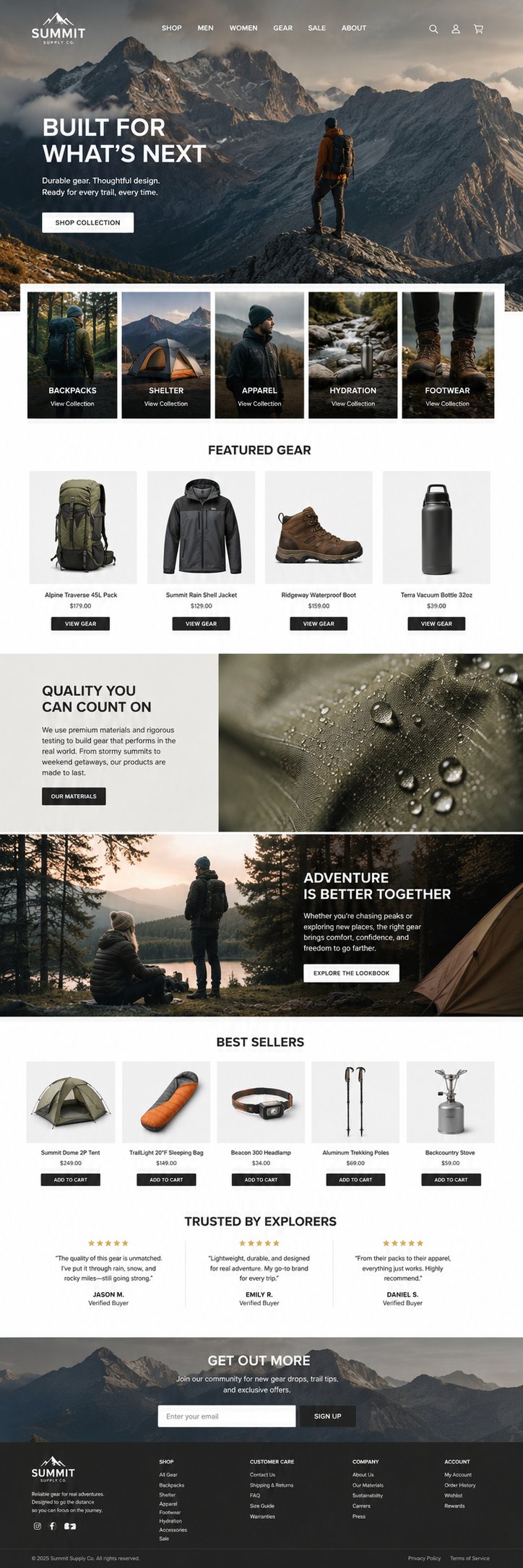
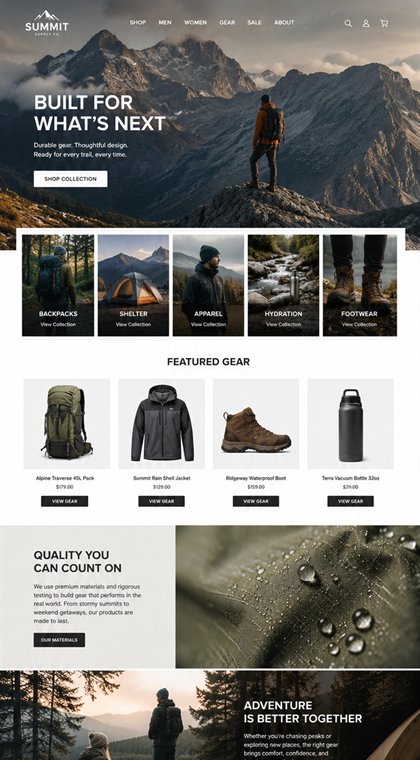
Product categories, collections, brand story, and product-led browsing for specialty retail.
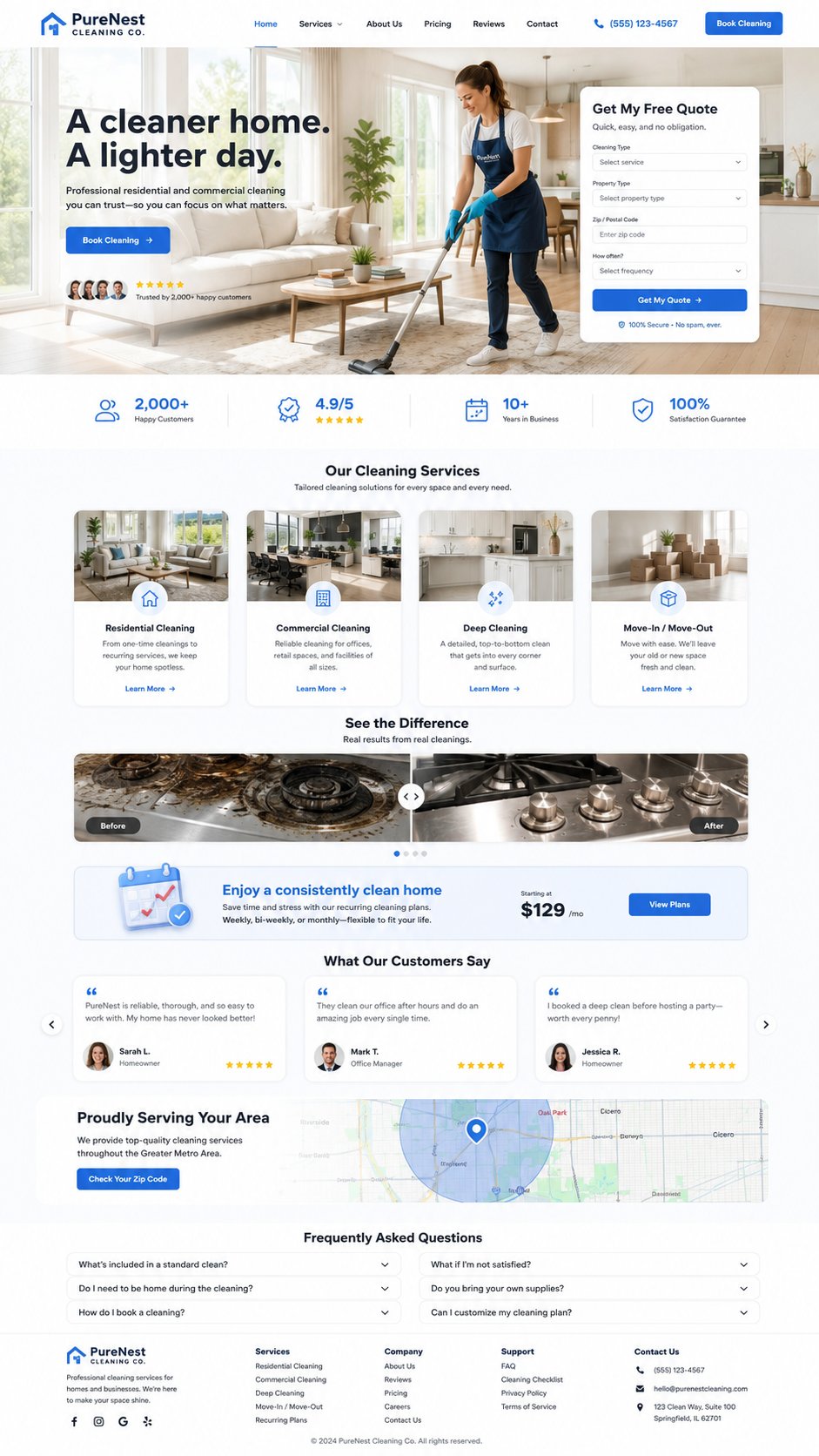
Recurring packages, trust signals, and an easy booking request for a local service business.
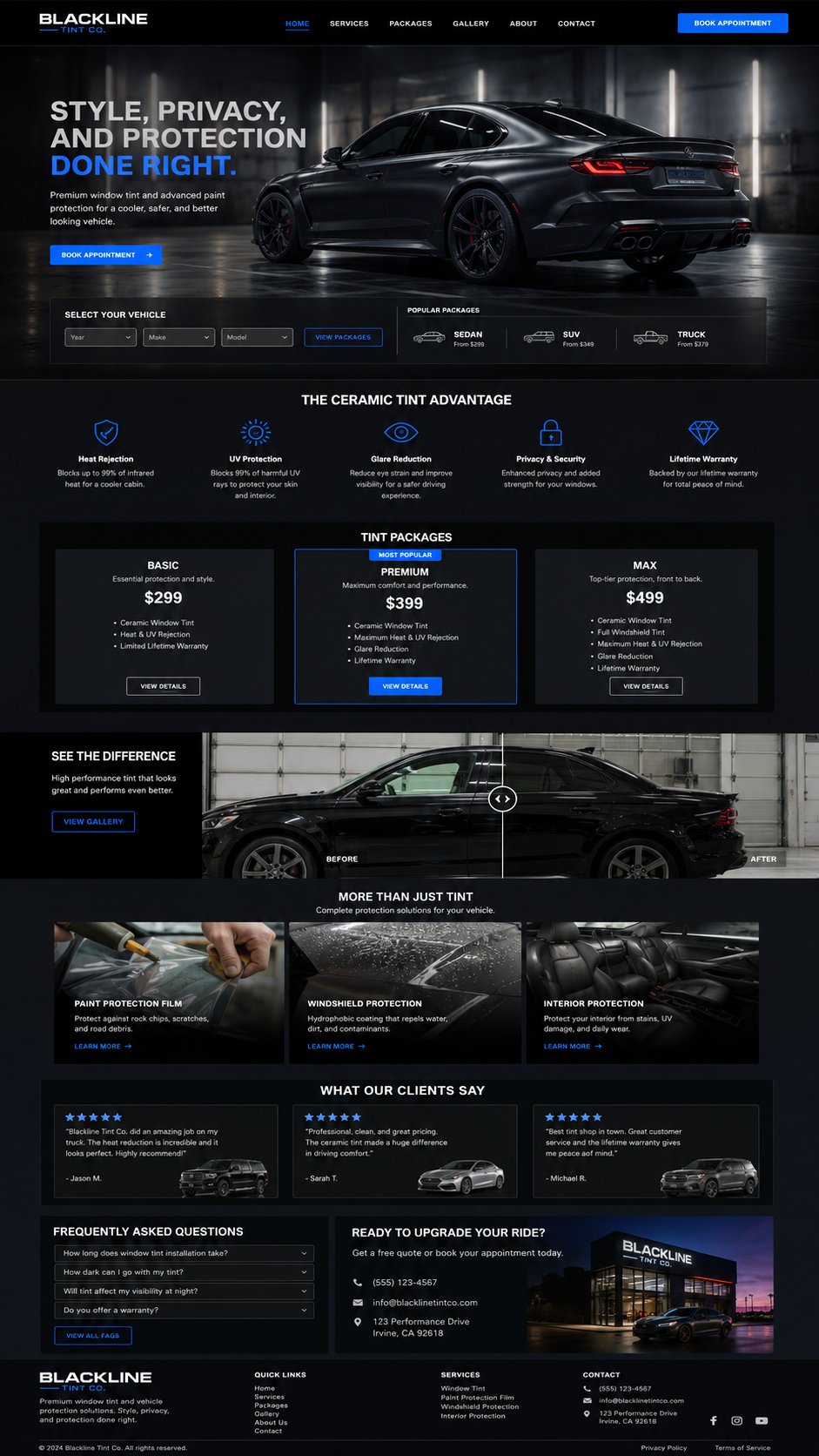
Package options, vehicle proof, benefits, and quote capture for a specialized auto service.
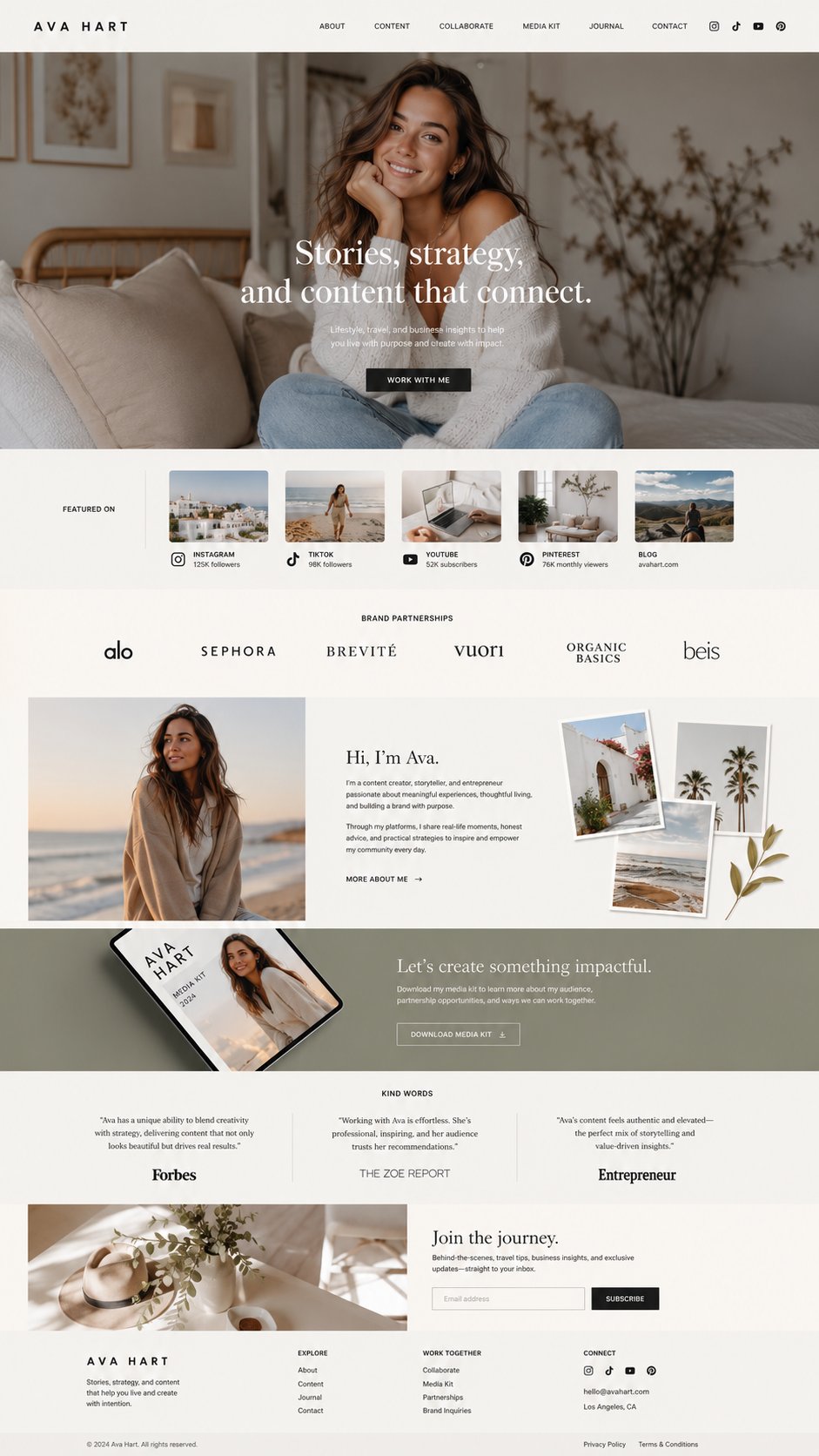
Offers, featured content, audience trust, and product links for a personal business.
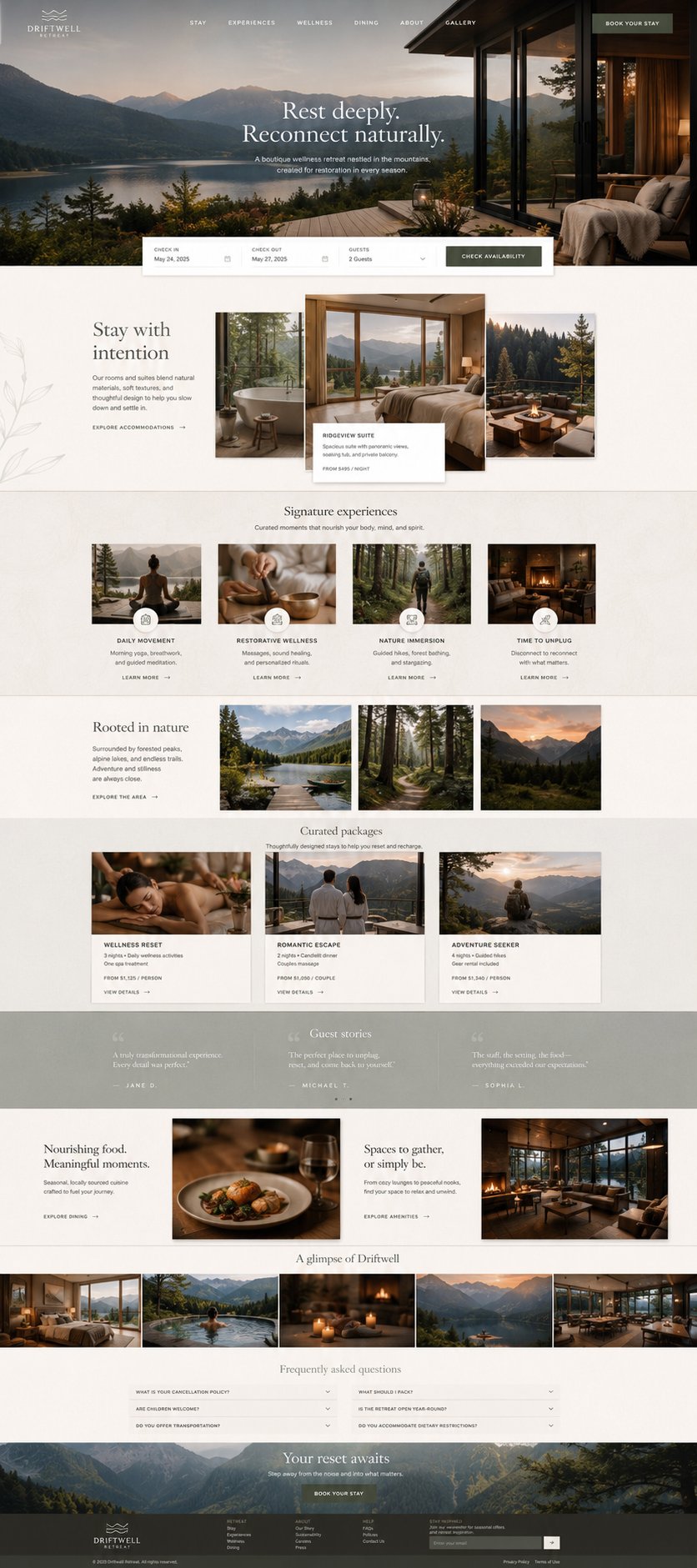
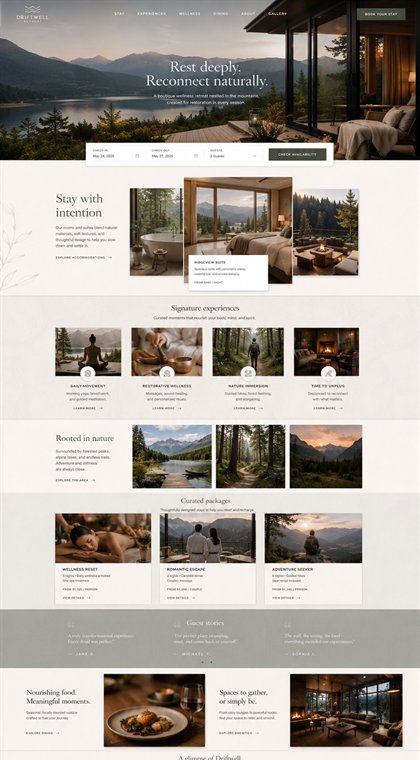
Property storytelling, amenities, booking flow, and local experience content for a stay business.
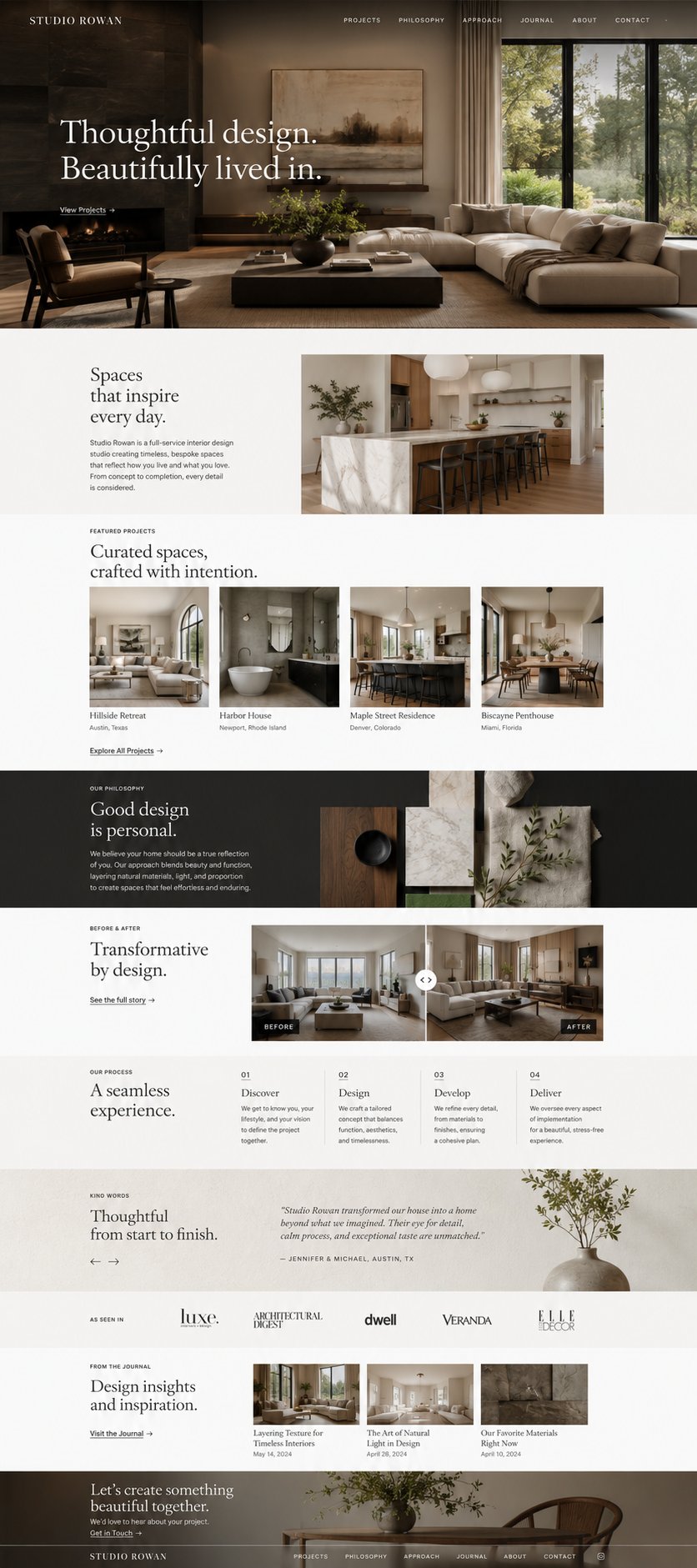
Portfolio presentation, style positioning, and consultation requests for a design-led business.
From direction to working system
We use the selected direction as a starting point, then adapt the offer, copy, service areas, forms, visibility structure, and integrations around the business itself.
Questions before a website build
These examples help a business see what is possible before we define the exact scope.
Yes. The direction is a starting point for the visual language and conversion path. The finished site is built around your offer, customers, service area, proof, and workflow.
No. Cards marked Live demo open interactive working examples. Concept directions are rendered website previews used to make the planning conversation faster and clearer.
Yes. AIDO development can connect a website to forms, calendars, CRM systems, automations, dashboards, and other tools so inquiries do not stop at the website.
AI-ready websites pair clear content and business details with sound technical structure, machine-readable signals, and an experience that is useful for the people visiting it.
Ready to make it real?
Bring a direction you like, or start with the business problem the new site needs to solve.